
Transacting on the Youngestgexchange app is straightforward. Follow these steps to complete your transfer and download your receipt easily.
Step 1: Open the App and Navigate to Transaction
Launch the Youngestgexchange app on your device. From the main menu, select the type of transaction you want to perform, such as Deposit, Withdrawal, or YGE Pay.
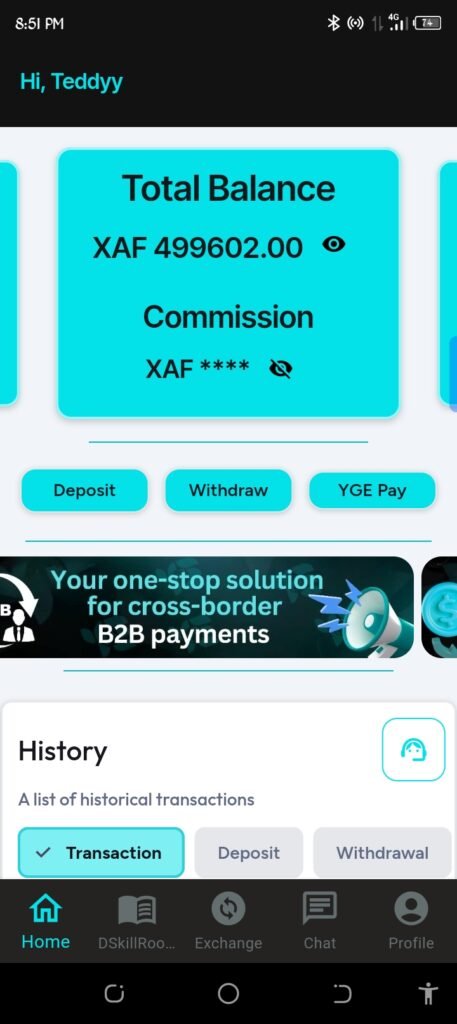
Step 2: Select Currency and Enter Your Transaction Details
Fill in the required information for your transaction. This includes the amount, recipient details, and any other necessary data.
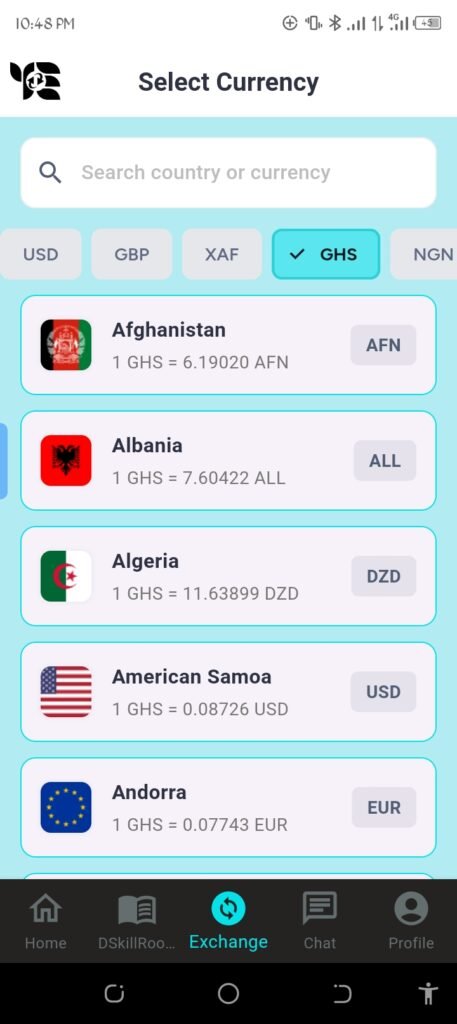
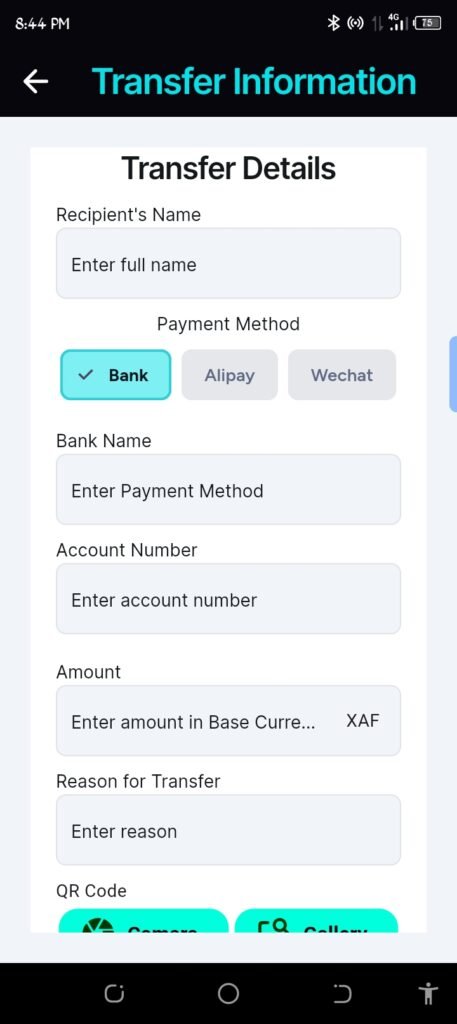
Step 3: Confirm Your Transaction
Once you’ve entered all details, review the information carefully. To proceed, type in your 5-digit PIN to authorize the transaction.
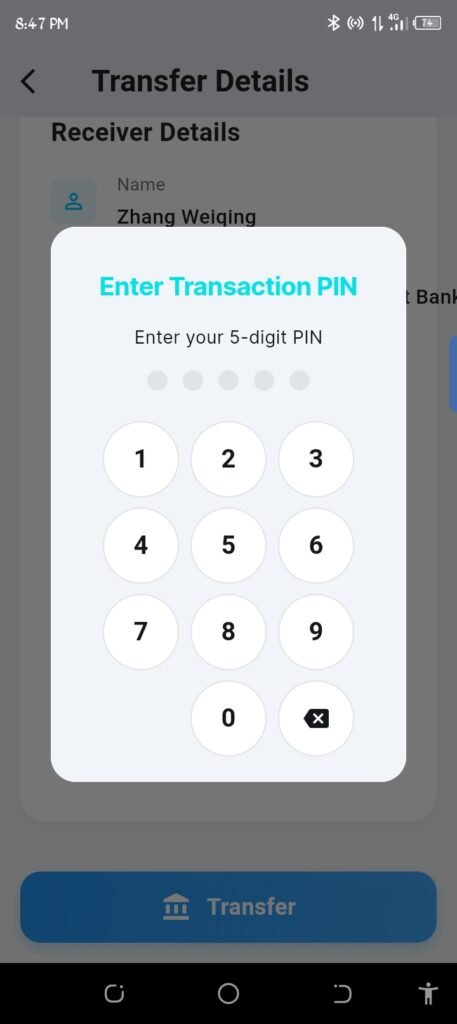
Step 4: Make Your Transfer
After confirmation, the app processes your transaction. You will see a message indicating the transfer has been successfully completed.

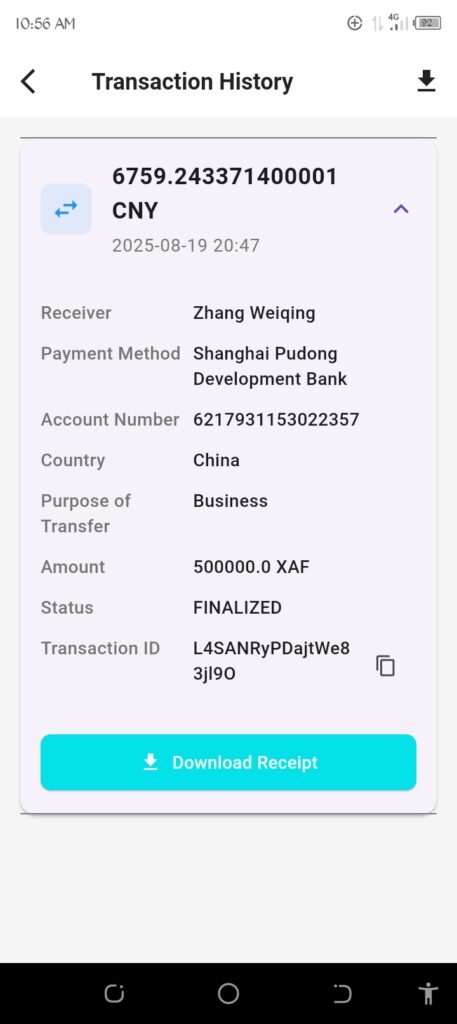
Step 5: Download Your Transaction Receipt
To keep a record, download the transaction receipt by clicking on the homepage button, then scroll down to see the recent transaction and click on it. This will save a copy of your transaction details for future reference.
That’s it! Making transactions on Youngestgexchange is quick, secure, and easy to track. Always double-check your details before confirming.If you need further assistance, refer to the app’s help section or contact support. Happy transacting!!